Zebra
Mobile computers, barcode scanners and label printers for warehouses
Zebra warehouse equipment lets staff record goods as they handle them. When a pallet arrives, the operator can scan it with a Zebra mobile computer, print its label and scan it again at dispatch. For work in the aisles, APX also supplies rugged tablets, handheld barcode scanners and mobile printers.
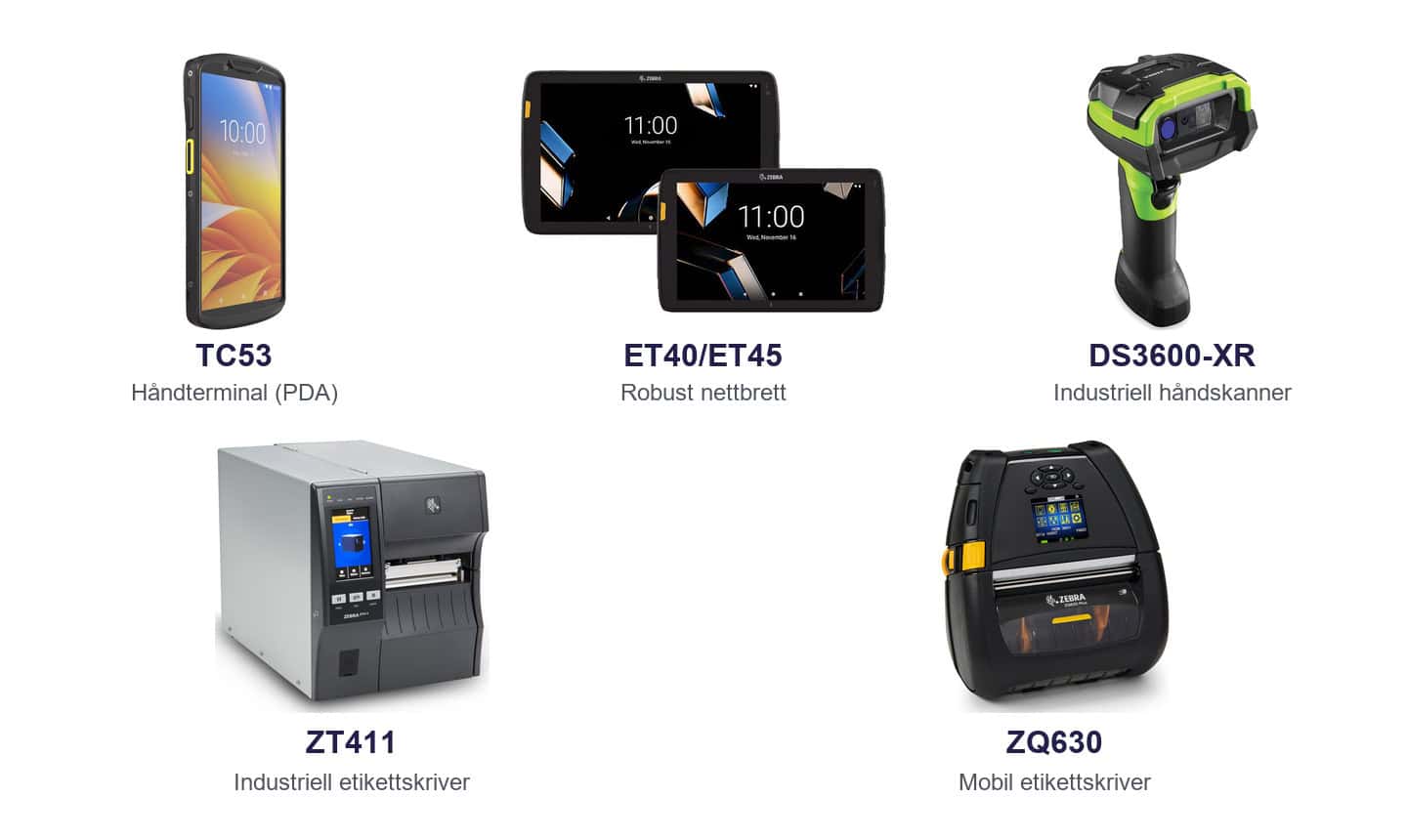
| Mobile computers and tablets | Handheld barcode scanners | Industrial label printers | Mobile label printers |
Choosing a device for scanning and labelling
Handheld computer or tablet
The TC53 and TC58 combine barcode scanning and warehouse tasks in one handheld device. An ET4x series tablet has a larger screen for viewing several order lines or checking details at goods receipt.
Dedicated handheld scanner
A rugged DS3600 series scanner is useful when operators need to scan many labels without carrying a mobile computer. Choose a scan range that covers both labels on goods and location codes high on the racks.
Fixed and mobile label printing
A ZT411 industrial printer can print product and parcel labels at goods receipt or at the packing bench. With a ZQ630 series mobile printer, staff can print a label beside the item and apply it there and then.
Frequently asked questions about Zebra equipment
When should we use barcodes?
Barcodes work well when an operator can aim at one visible label at a time, for example to confirm a storage location.
When should we use RFID?
RFID can be a good choice when you need to read several tagged packages at once. Consider the packaging, the read range and any other goods near the reader.


