Digital product passports with APX DPP-connect
Let product information travel with the goods
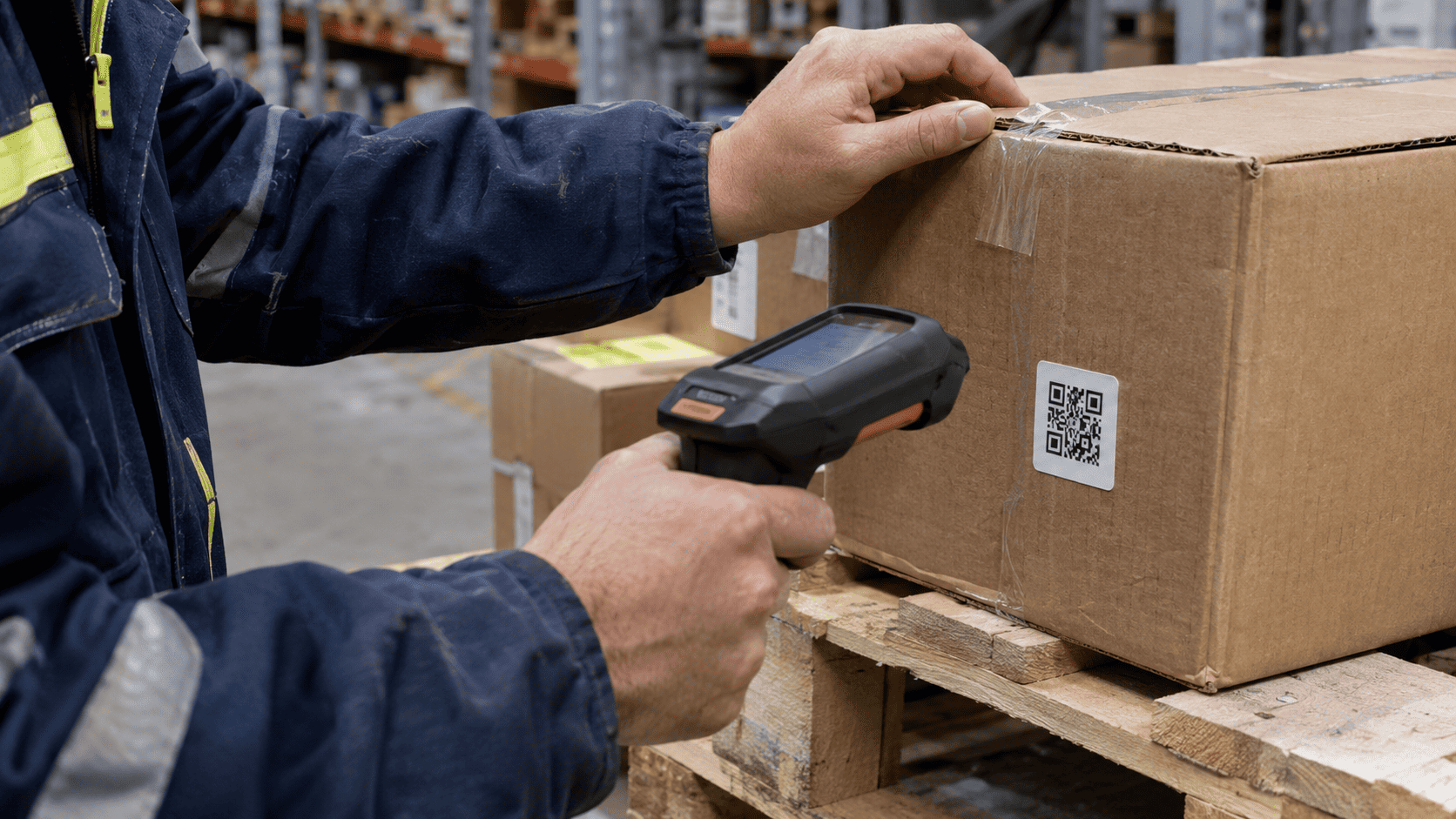
What materials does an item contain, where did it come from and how should it be handled? With APX DPP-connect, the customer can scan a QR code or open a link on the order line to find the answers. Link available product data and documents to an item number, batch or serial number. The information then follows the product from manufacturer to recipient and remains available after delivery.
| Product identity | QR code | Traceability | Documentation by line item | Up-to-date information |
What is a digital product passport?
A digital product passport brings together relevant information about a product, component or material. It may cover composition, origin, environmental properties and handling. The requirements for the particular product group determine which information is needed.
A product identifier that links the data
The information needs to match the goods. APX can use a product identifier, batch or serial number to link physical items to their documentation. This makes it easier to keep information with goods as they move from raw materials and production through warehousing and transport to the recipient.
Documentation by line item
When information is attached to the line item, recipients do not need to search separate emails and PDF attachments. A digital link opens the documentation that applies to the product or delivery, including the relevant sources and records.
Build on existing data
APX can connect data from source systems and relevant product databases to the flow of goods. GS1 Digital Link and NOBB can be included where products, data access and integrations support them. The setup is agreed according to the organisation’s needs and data quality.
Prepare the right documentation for the product group
First establish which products, markets and business roles are in scope. Identify the relevant identifiers, documents and people responsible for updates. The technical setup must reflect the specific product requirements. Having documents available does not in itself demonstrate compliance with every requirement.
How APX connects the product passport to the flow of goods
A product passport can form part of existing processes. Identify which data is available, what is missing and who needs access. APX can then connect the product, its documents and the recipient.
| 1. Identify the product Link each item to a unique product identity in APX. | 2. Link the documentation Retrieve information from the relevant sources or link to them. |
| 3. Give the recipient access Open the relevant product information using a QR code or digital link. | 4. Keep the information up to date Update the source and pass the relevant information along with the goods. |
Digital product passports for different roles
Manufacturers, suppliers and recipients need different information. The solution should support the actual flow of goods and the requirements for each product without creating a parallel manual documentation process.
Manufacturer or supplier?
What you need
Customers need unambiguous product information and relevant documents at delivery. Agree who owns the source data, content and updates before sharing it further.
How APX can help
A link to the order line, level 3 packing list and relevant product data, with NOBB integration where supported.
Contractor or property developer?
What you need
Product information needs to remain accessible when goods are received, installed, used or replaced. Requirements depend on the project and materials.
How APX can help
Links between the product, delivery and documentation, with onward links to the relevant environmental product declarations.
Buyer or goods recipient?
What you need
Staff need to be able to identify the correct item and access its documentation for checks and follow-up. Supplier information should identify its source.
How APX can help
Product identification, documentation for each order line and digital access at goods receipt.
Food production or industry?
What you need
Batch and raw material traceability can be essential to an operation. Whether a food or industrial product falls under DPP requirements depends on the applicable rules.
How APX can help
APX eTrace, batch and serial numbers, and EtikettDesign can provide the basis for traceable product information.
What is the difference between a product passport and a QR code?
The QR code lets people access the information. The product passport comprises the digital information itself and how it is structured. A QR code alone does not constitute a complete digital product passport.
When will digital product passports be required?
Requirements are introduced by product group through EU legislation and detailed implementing rules. The timing and required information vary. See the European Commission’s information on Digital Product Passports for an overview.
Do we have to replace our systems to introduce a DPP?
Not necessarily. APX can build on the data, integrations and processes you already use. Any changes depend on the available data and the requirements for your products.
Where does the product data come from?
Data can come from your own systems, suppliers or relevant databases. NOBB and GS1 Digital Link can be included where appropriate for the product and the agreed setup.
Can we update the content after delivery?
Yes. A digital link can give people access to current information without changing the physical code. You need to agree who is responsible, how changes are tracked and which information must be kept.
How does a DPP relate to EPDs, ESG and the EUDR?
These address different needs. Read about EPDs and environmental declarations, ESG documentation and EUDR and traceability. APX can make relevant documents available alongside the movement of goods.