APX Coding
Product labelling in Avatar
Where on the production line should the product be marked, and what information should accompany it? APX Coding makes labelling part of the Avatar workflow. Together we agree which data to use and how the software will connect to your chosen equipment. Each line can then use the labelling setup that suits its work.
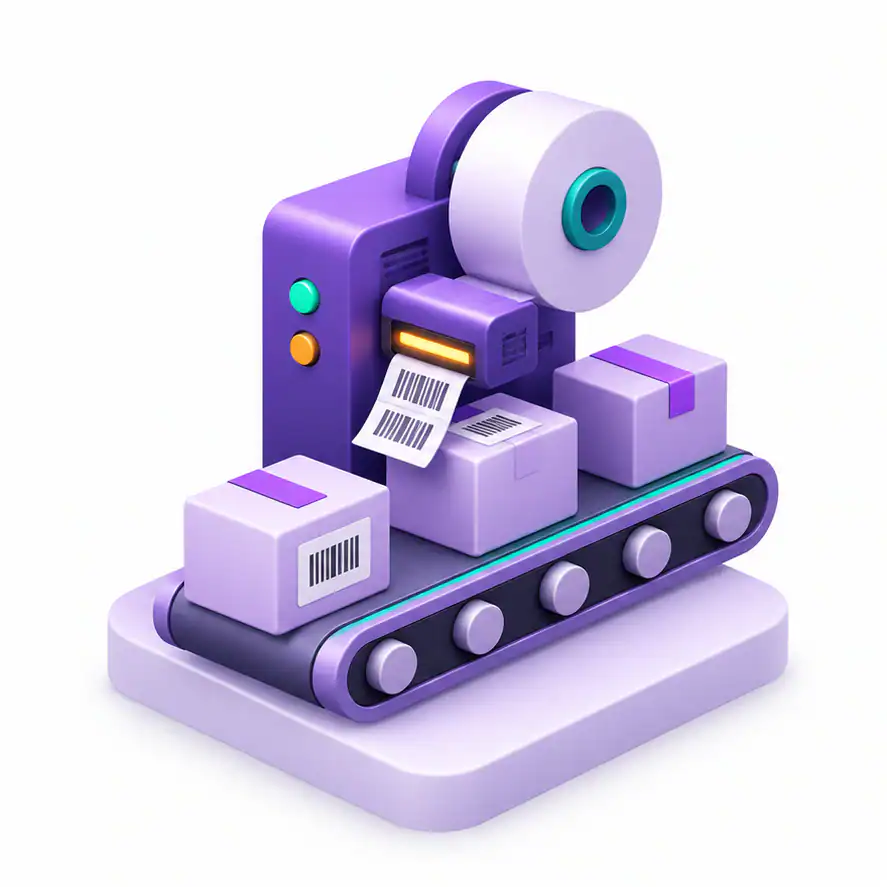
| Product labelling | Avatar | Labelling equipment | Data flow |
APX Coding features and applications
An add-on for product labelling in Avatar. The labelling equipment and connections are selected to suit your workflow.
Select the core Avatar module and physical labelling equipment separately. Installation and customisation depend on the labelling task.
Frequently asked questions about APX Coding
What does the module cover?
Select the core Avatar module and physical labelling equipment separately. Installation and customisation depend on the labelling task.
How do we choose the right setup?
Describe your workflow to APX. Together, we can identify the modules, data sources and integrations you need.


