Elo Touch Solutions
Panel PCs and touchscreens at the workstation
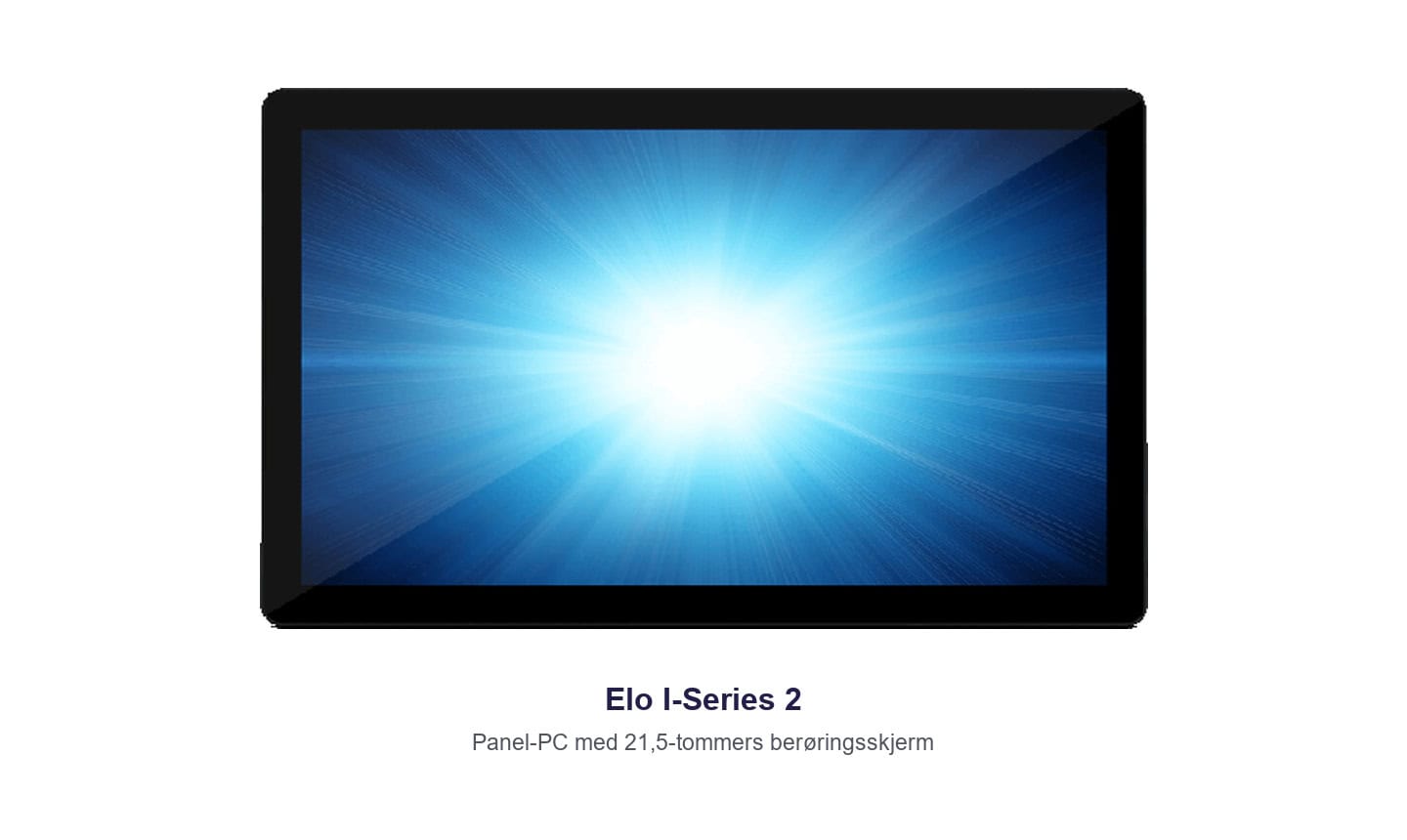
Elo Touch Solutions makes touchscreens and panel PCs for fixed workstations. APX has used the Elo I-Series with a 21.5-inch display. The screen and computer are built into one unit, so the operator can open the order and record completed work beside the production line.
| Panel PC | Touchscreen | Permanent mounting | Production data entry |
One operator interface at the line
Panel PC with a built-in computer
I-Series for Windows combines the computer and touchscreen in one enclosure. The operator can view orders and enter data without a separate PC taking up workbench space.
Touch controls at the point of use
Operators can select an order, confirm a step or record a discrepancy. Large touch targets and a suitable mounting height make these tasks easier when the same station is used throughout the shift.
Display or all-in-one panel PC
A separate touchscreen may be suitable if a compatible computer is already installed. A panel PC is useful when both the display and the application need to run at the workstation.
Frequently asked questions about Elo
What is the difference between a touchscreen and a panel PC?
A touchscreen displays the output from a connected computer and accepts touch input. A panel PC also has the computer built into the unit.
Can the equipment be mounted on a wall or an arm?
I-Series supports VESA mounts. Choose a mount to suit the display's weight, viewing angle and distance from the operator.


