Manufacturers and production:
From incoming orders to documented finished goods

The order is in the ERP, but staff set up the machines by hand. Nobody realises a raw material is missing until the line stops. When a customer asks what went into a batch, finding the answer takes hours. Manufacturers need orders, materials, equipment and records to stay connected so nobody has to reconstruct the history afterwards.

TraceabilityMESOEELabellingPLCs and robots300+ integrations

Built around the manufacturer’s requirements and systems

In manufacturing, the ERP system manages finances and orders, while production line activities often sit outside it. The gap can lead to duplicate entries, manual settings and conflicting data. At the same time, customers, public authorities and new regulations require manufacturers to show what they produced, what went into it and when.

APX offers MES functionality that connects ERP to machines, PLCs, scanners and labelling equipment so orders, settings and records stay together. Start with labelling and tracking, then extend the system to control more machines and lines as needed. APX has supplied industrial production systems since the early 1990s.

APX follows GS1 standards for labelling and packing slips and supports open standards such as OPC UA. More than 300 integrations are in operation. The solutions are used in 13 countries, including in food production, timber, minerals, plastics, construction and metals.
APX across the production process

Production planners, line operators, warehouse staff, quality teams and IT all have different needs. APX modules can work independently or together. Manufacturers can start with what they need today and add modules as their requirements change. Order and product information follows purchasing, goods receipt, production and delivery, reducing duplicate entries and errors.

Planning and procurement

The production plan is linked to material requirements. The productionFLOW planning module assigns tasks to each workstation and records how many people are needed. When plans change, activities can be moved by dragging and dropping them. The module can be used in factories across industries. Materials are allocated to tasks and purchasing requirements are calculated as work is planned. Orders can be sent to suppliers via EHF/Peppol, with order confirmations returned electronically.

Production and line operations

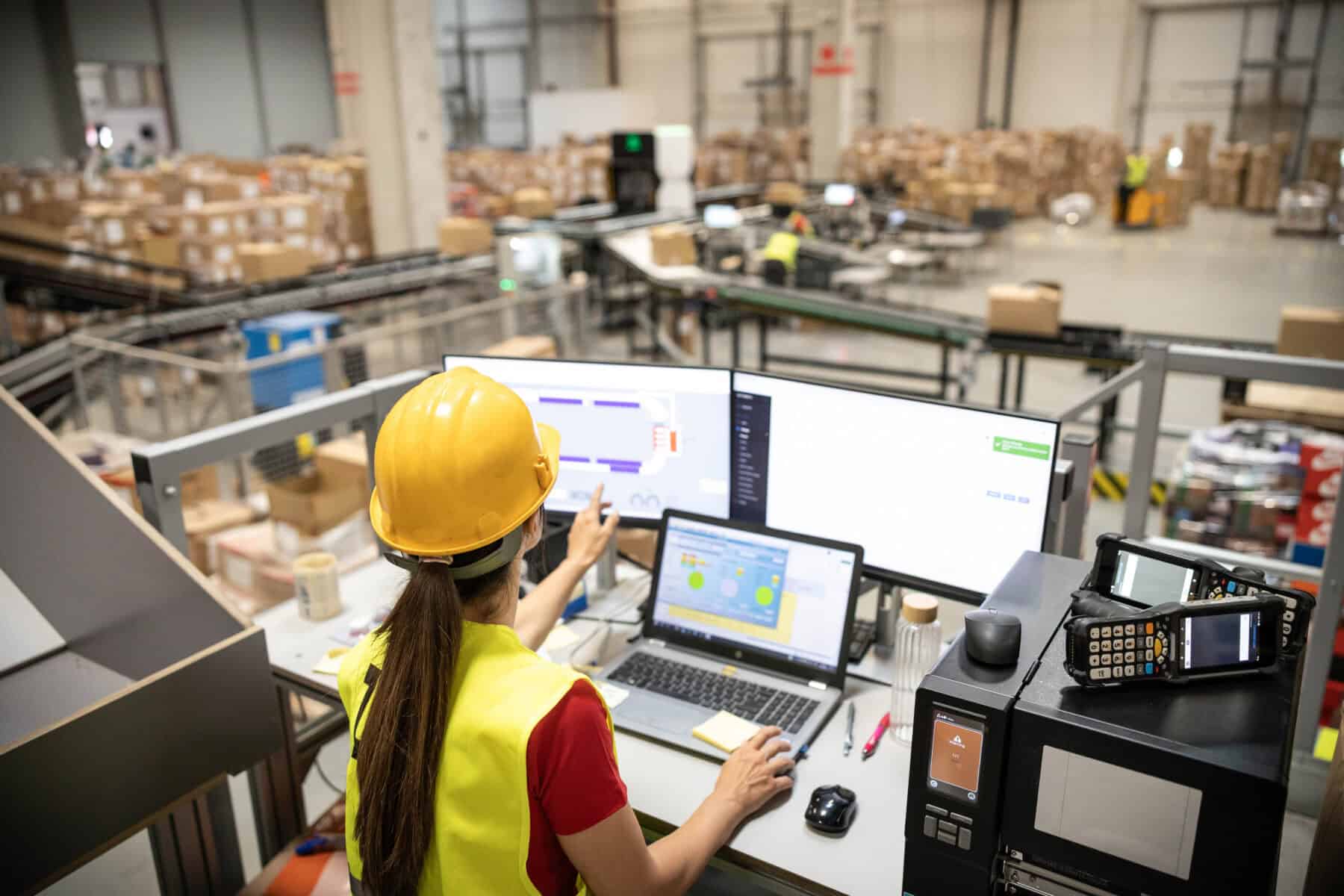
At the start of production, the system can retrieve a recipe or production specification, create picking tasks for raw materials and send settings to machines and PLCs. Labelling and verification scans can run in the same workflow, with each step recorded as it happens. Overall equipment effectiveness (OEE) shows whether lost capacity is due to downtime, reduced speed or quality issues. Measurements can come directly from machines and PLCs, be entered manually or be supplied by other sources. Dynamic CheckList stores photos and readings for each station as evidence that work was completed. Checklists can also be used elsewhere on the platform.

Warehousing and logistics

At receipt, raw materials and components are checked against the order. Each item retains its location, batch and warehouse history. For goods with a shelf life, first-expired, first-out (FEFO) prioritises the stock due to expire first. Finished goods can carry GS1 labels, ship with a level 3 or 4 packing list and be tracked to the customer in IntelliTrack.

Quality and documentation

Raw materials, batches and finished goods can be followed through production. When something goes wrong, identify the raw materials used in each product and the batches affected. Block affected batches with superSTOPP, manage recalls through Auto Recall and notify the relevant customers. These functions serve food manufacturers and other industries where traceability is already required or becoming a requirement. Records are collected during production and can support digital product passports, EPDs and ESG reporting where relevant.

IT and automation

APX Integrator connects to ERP systems such as SAP, Dynamics 365, M3 and Visma, as well as PLCs, OPC UA, SCADA, robots, AGVs, labelling machines and sensors. Much of the equipment uses standard interfaces, allowing APX to connect hardware from different manufacturers. APX also supplies and manages handheld computers, truck terminals and label printers, with remote management available.

The cloud solution is operated from Norway, and all data is stored in Norway.

How APX helps

Whether you are releasing an order to production, receiving raw materials or documenting a product, APX uses the same approach. Data is recorded once and follows the order through purchasing, receipt, production and delivery. This helps keep production running and provides a record of what was made.
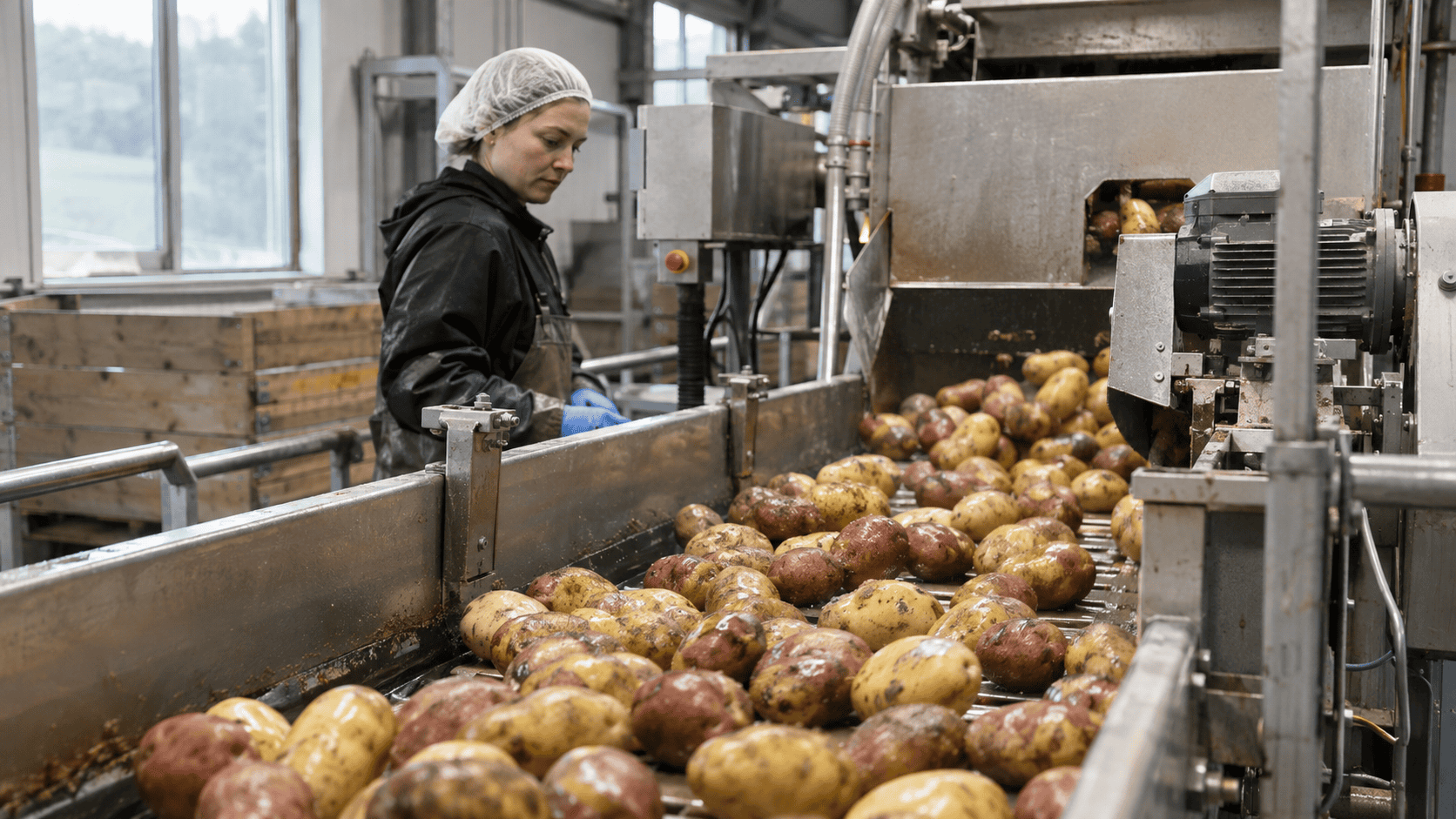
Worker monitoring potatoes being sorted on a production line

Can we use the solution with our existing ERP system?

Yes. APX Integrator connects production to ERP systems such as SAP, Dynamics 365, M3 and Visma, allowing you to keep your existing ERP.

Is APX an MES?

APX provides manufacturing execution functions for planning, machine and PLC control, labelling, recording production steps, OEE and checklists. Use them with your existing ERP and add functions as needed.

Can we use our existing machines and PLCs?

Yes. APX connects to PLCs, OPC UA, SCADA, robots, labelling equipment and sensors so that settings and records can pass between the ERP system and the equipment. Standard interfaces on much of this equipment support connections across different manufacturers.

Do we have to connect the whole production operation at once?

No. Start with one line or requirement, such as labelling and traceability, then add planning and machine control when appropriate.

How can we document what we produce?

Raw materials, batches and finished goods are recorded as production progresses. Dynamic CheckList can store pictures and readings for each station. Where relevant, the data can support digital product passports, EPDs and ESG reporting. If a problem arises, affected batches can be blocked and recalled using superSTOPP and AutoRecall.

How do we monitor capacity and downtime?

OEE monitoring shows whether losses are caused by downtime, reduced speed or quality defects. Readings can come automatically from machines and PLCs, be entered manually or come from other sources. APX Avatar adds an AI layer to the MES functions and can use production data for alerts and recommendations.

Does it work across multiple lines and countries?

Production management can cover several lines and machines simultaneously. APX solutions are used in 13 countries.

English
Norsk Español Français