The handheld main menu
Choose a task from the menu, including goods receipt, stock transfers, putaway and stock withdrawals.
Menu options and buttons
Dispatch · Jobs · My jobs · Goods receipt · Move stock · Put-away · Stock withdrawal
See how to receive goods and confirm quantities on a Honeywell handheld, then follow a production order and record welds on a Zebra tablet.
Choose a task from the menu, including goods receipt, stock transfers, putaway and stock withdrawals.
Dispatch · Jobs · My jobs · Goods receipt · Move stock · Put-away · Stock withdrawal

Each order line shows the quantities ordered, received and still outstanding. Build a pallet or complete the receipt from the same screen.
Build pallet · Complete receipt · Order lines · Search

Scan the label to see the item and the quantity on order. Enter the quantity on the handheld and confirm the entry.
Confirm · Cancel

Scan or select a component to record how much was used. From the same order, you can print labels and report the quantity produced.
Home · Dispatch · Jobs · My jobs · Receive goods · Move · Add / move · Withdraw · Inventory · Search · Print labels · Production · Signing · Assembly · CNC cutting · Mark as complete · Finalize production · Show candidates · Register manually

See which checks are complete and which are still open. Each weld entry includes the welding procedure specification (WPS), batch, date and sign-off.
Done · Sign for someone else
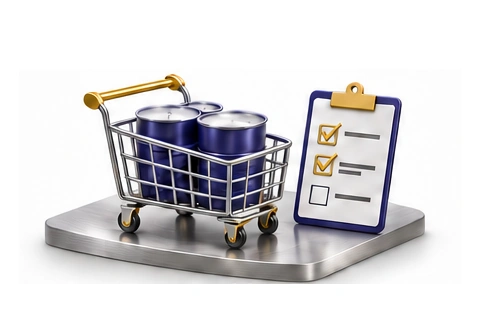
Connect material and stock requirements with purchasing and goods receipt. The system can automatically check invoices and assign accounting codes, helping goods move more efficiently.
Connect all APX solutions to the software and hardware you already use. More than 300 integrations are ready to use, and other systems are easy to connect.
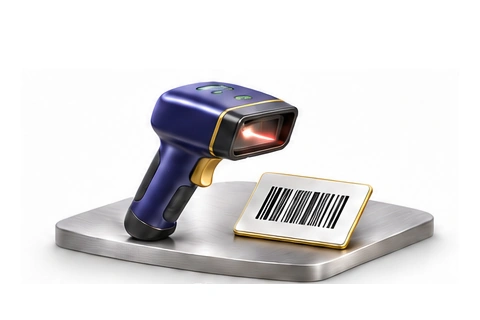
We supply all the hardware for our solutions, including handheld computers, label printers, RFID equipment and forklift terminals. We provide full support and servicing, with remote management for all connected devices when needed.
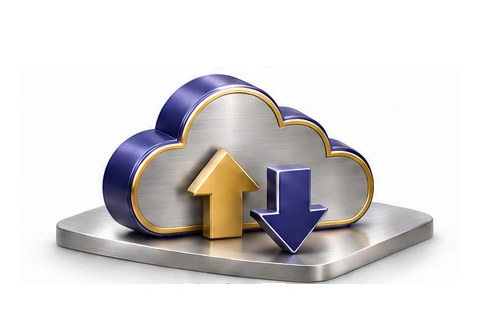
Our secure cloud service keeps your systems running smoothly and stores all your data in Norway. Connected devices can also exchange data through the cloud. We manage the entire service and take full responsibility if something goes wrong.
Improve profitability and regain control with our easy-to-use solutions. See how APX can help your business manage the flow of goods from start to finish.
Our solutions are used in
 Norway
 Sweden
 Taiwan
 China
 United States
 Germany
 Italy
 South Korea
 Netherlands
 Finland
 Lithuania
 France
 India


















 English