JLT
Vehicle-mounted terminals for warehouse tasks in the forklift cab
A vehicle-mounted terminal from JLT Mobile Computers displays the task on a fixed screen in the forklift cab. The driver can see which pallet to collect, read the destination location and confirm the move once the pallet is in place. APX adapts the setup to the forklift and warehouse application.
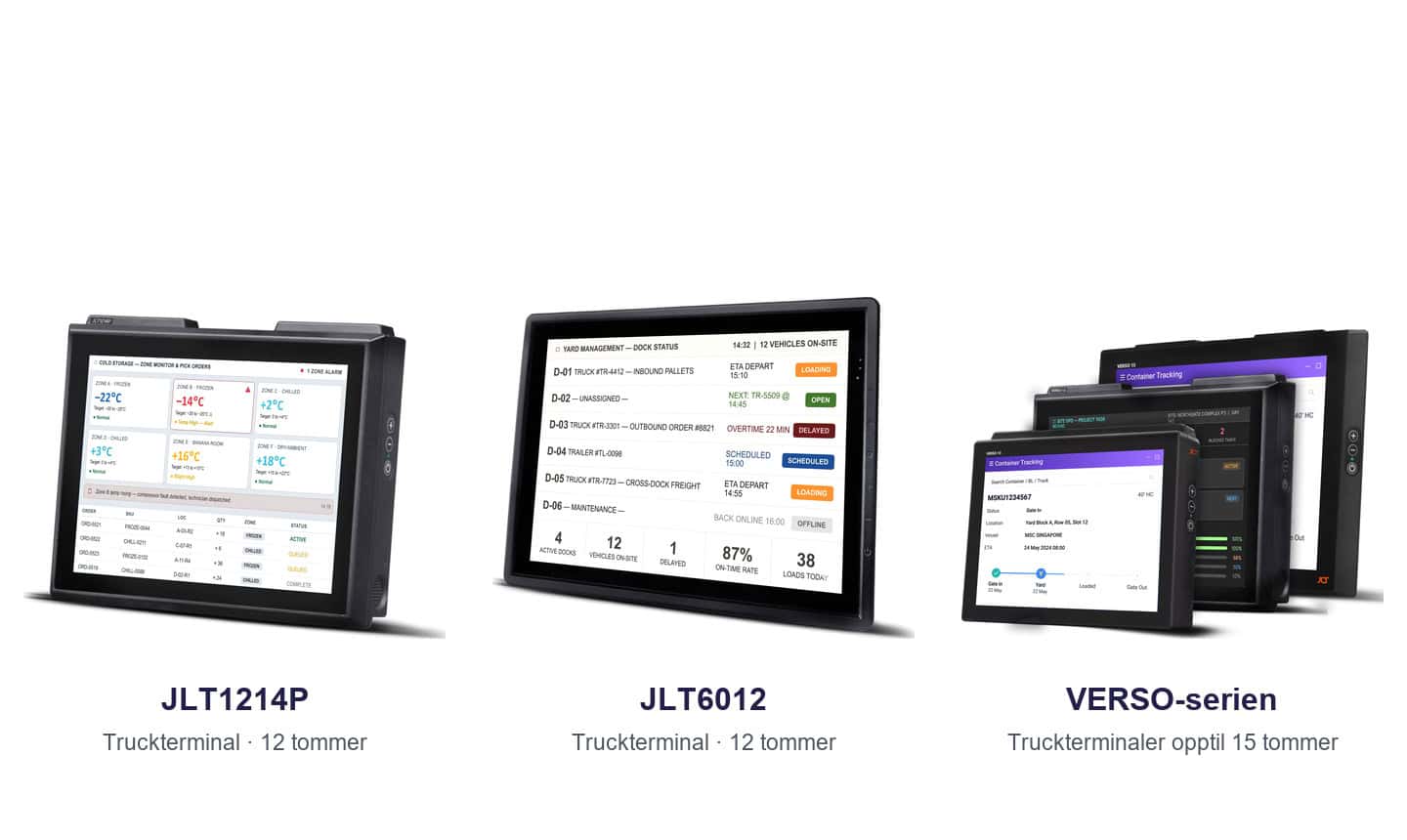
| Forklift terminals | 12- and 15-inch displays | Power connection | Warehouse management |
The screen, controls and mounting in the forklift
JLT1214P and JLT6012
These truck terminals give drivers a 12-inch screen. Physical buttons and touch controls let them open the next assignment or confirm a stock movement.
A larger screen with VERSO
JLT’s VERSO series also includes 15-inch displays. A larger screen can be useful for orders with many lines or when the operator needs larger text from the normal driving position.
Adapting the terminal to the vehicle
Consider the mount, power connection and position together. Test the screen with the gloves staff actually wear and check legibility both between the racks and outside at the loading bay.
Frequently asked questions about JLT
Can we keep our handheld scanner?
The connection and the warehouse application’s compatibility determine whether you can use your existing scanner with the terminal.
Where should the terminal be mounted?
The driver should be able to read the screen and reach the controls when the forklift is stationary. Decide on the position with the driver and the person responsible for the forklift.


